Cody Hurst
Accessibility, innovation, software and sound.
I’m a legally blind technologist in St. Louis building the tools I wanted to exist — trading, weather, screen reading, audio — and writing about how they came together.
What I work in
-
Software
Trading, weather, screen reading, video — desktop applications where a blind person is the intended user, not the accommodation.
-
Sound
Music, sonification, and binaural audio. Drums since I was five; now also the language my applications use to describe what a screen can’t.
-
Advocacy
WCAG review, assistive-technology testing with someone who actually uses it, braille production, and technology training.
About
Hi, I’m Cody Hurst.
I’m a legally blind technology enthusiast with side passions for accessibility, AI, music and weather, just to name a few. My technical background is mostly in network-related subjects — primarily Cisco IOS, Linux and Windows Server. In 2019 and 2020 I earned my CompTIA A+ and Network+ certifications as well as my Cisco CCENT credential, then graduated from Linn-Benton Community College in Albany, Oregon with two degrees in network systems.
My hands-on experience deals mostly with accessibility: preparing braille material for students — including Spanish, math and UEB — creating documentation for training staff, and advising on new tools to make workflows more efficient.
In my free time I dabble with Python, HTML and some CSS. Since bringing AI into my workflow I’ve significantly increased the speed, quality and consistency of my work. AI has also been a huge tool for personal system administration, for running analysis on financial assets, and for doing in-depth research.
I currently run a heavily modified install of Gentoo and program mostly on Linux, keeping Windows in a QEMU VM for the things that absolutely won’t run on Linux — certain VST audio plugins and virtual instruments. When there’s something notable to write about I post it on my blog, and I keep a forum for more in-depth discussion.
I also do consultations for software projects, accessibility evaluation and testing, or technology training over Discord or Zoom — so get in touch if there’s something you’d like to discuss. I keep my Discord server up to date with what I’m working on, so feel free to join and ask me anything there.
Skills & Credentials
- Using AI to ship real software. I drive Claude Code and similar tools to produce production-grade applications in languages I don’t write by hand — directing architecture, reviewing output, and keeping accessibility as the non-negotiable constraint.
- Screen readers as a daily driver. JAWS, NVDA, VoiceOver (macOS / iOS), TalkBack, Narrator, and Orca on Linux — used, not just tested.
- WCAG & accessibility review. Evaluating websites and applications for WCAG compliance and real-world usability with assistive tech, and writing up findings that are actionable rather than checkbox-only.
- Assistive technology. Refreshable braille displays, braille embossers, and Duxbury Braille Translator — including braille production for students in Spanish, math, and UEB.
- Accessibility-first software design. Building interfaces that reach parity for blind and low-vision users — keyboard-first navigation, ARIA live regions, spatial audio, and semantic narration of otherwise-visual data.
- Networking. Cisco IOS, Linux and Windows Server; CompTIA A+ and Network+ and Cisco CCENT earned in 2019–2020.
- Web development. Hands-on with HTML, CSS, and Python; comfortable in the MariaDB terminal for everyday tasks; familiar with SQL table structure and relationships.
- Technical support & problem solving. Building PCs, servicing my own hardware, and reasoning through unfamiliar problems using a broad technical background — plus research when research is what’s needed.
- Education. Associate degrees in Network Systems and Computer Networking, Linn-Benton Community College (2020).
Applications
Desktop applications built with accessibility as a first-class concern — keyboard-first, screen-reader-native, and designed so blind and low-vision users reach parity with sighted users, not a reduced experience.
-
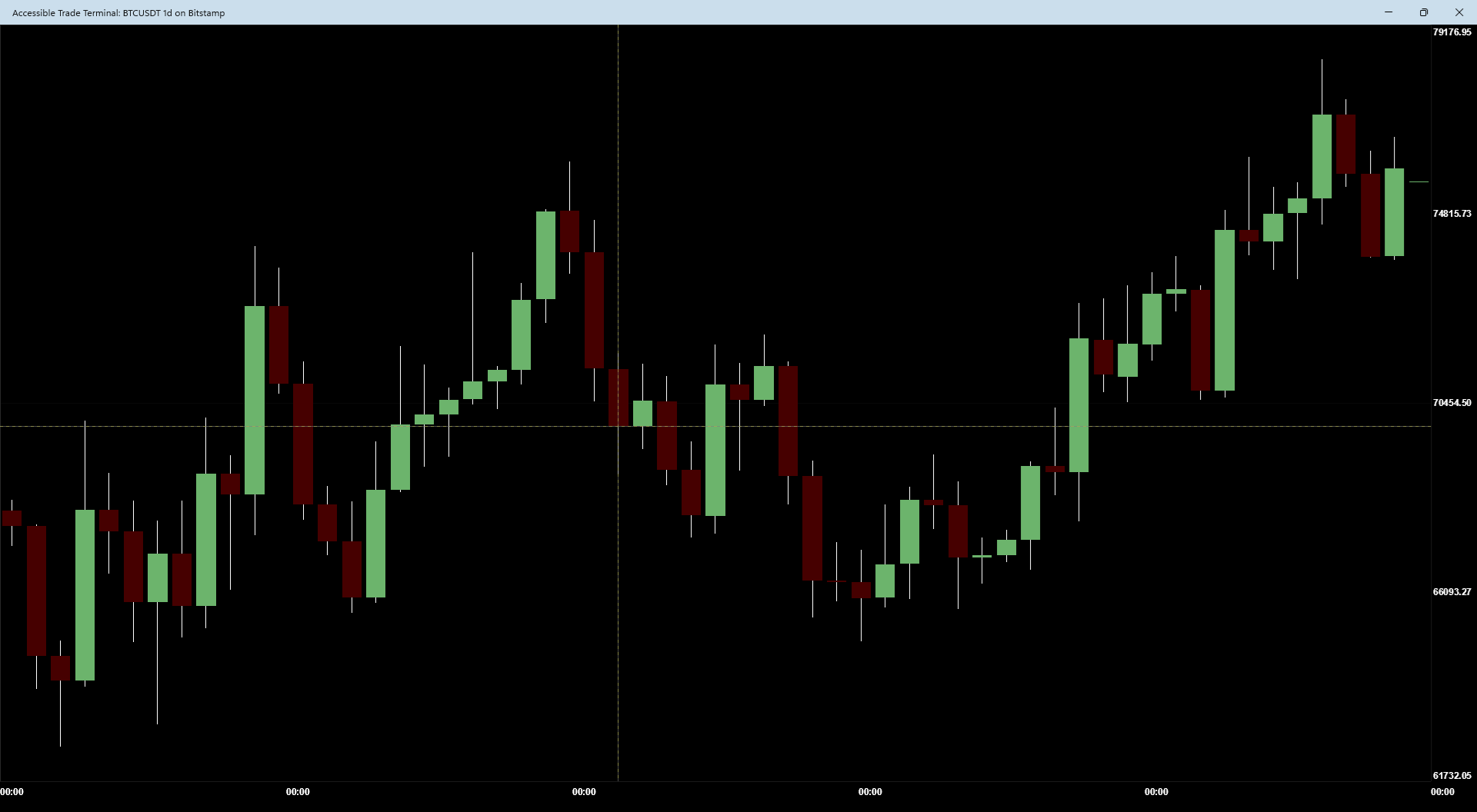
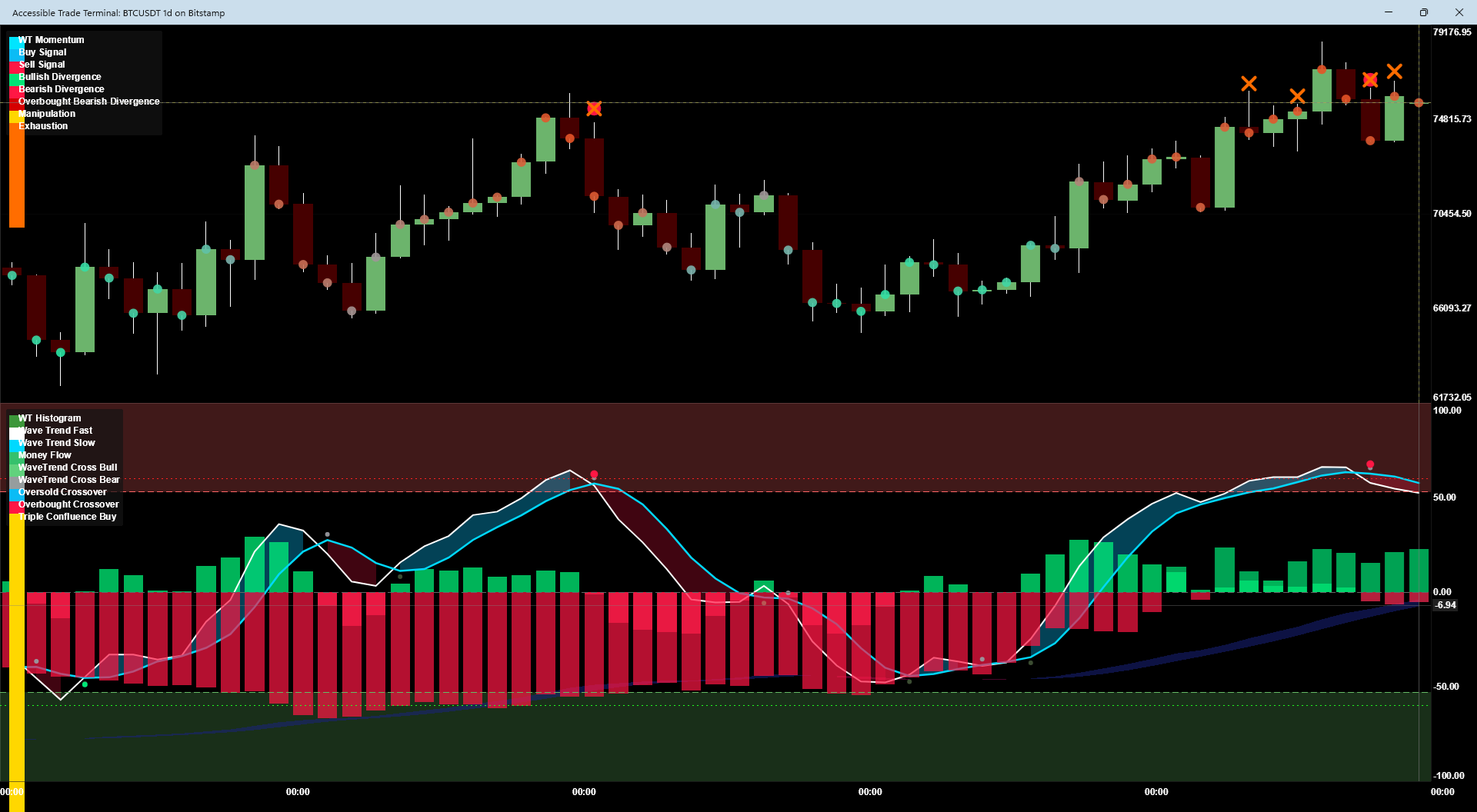
Accessible Trade Terminal
A professional trading and analytics platform built for blind and low-vision traders. It treats market data as a soundscape — spatial panning, frequency-mapped trends, and audio textures let you feel market structure, volatility, and momentum without sight. 26 data providers across crypto, equities, forex, commodities, and macroeconomics.
- Custom 128-voice polyphonic C# DSP engine for real-time sonification — no OS MIDI overhead.
- Native screen-reader speech (NVDA, JAWS, VoiceOver, TalkBack, Narrator, and Orca) via ARIA live regions.
- Keyboard-first navigation on Windows, macOS, Android, and iOS, with a built-in Help dialog (F1).
- User-buildable Strategy Composer with R:R-gated setups, warmup-aware backtester, and AI Analyst review.
- OS-sandboxed Roslyn custom-indicator runtime (Windows AppContainer / macOS sandbox-exec / Android isolatedProcess) with a security-hardened plugin trust policy.
- 5,936 tests passing.
Visit accessibletrader.com (opens in new tab) Try the live demo (opens in new tab)
-
AURA — Accessible User Reading Assistant
A free, open-source screen reader for Windows, written from scratch rather than inherited. It targets the one accessibility API Windows actually uses today, on a modern runtime, with extensibility built in from the start instead of bolted on later.
- Announces focus, state, and position for buttons, checkboxes, lists, menus, and trees.
- Review cursor for reading by line, word, and character, plus say-all and typing echo.
- Rewritable speech with no code — how any control is described lives in a plain text file.
- Versioned plugin contract and project template, shipped before 1.0.
- SAPI 5 and eSpeak NG, with live preview of voice, rate, pitch, and volume.
- Full key remapping, verbosity and punctuation levels, an installer, and a portable build.
Early development. No browse mode, braille, or console support yet. If you try it, keep NVDA or Narrator running — the repository documents exactly what works and what doesn’t.
-
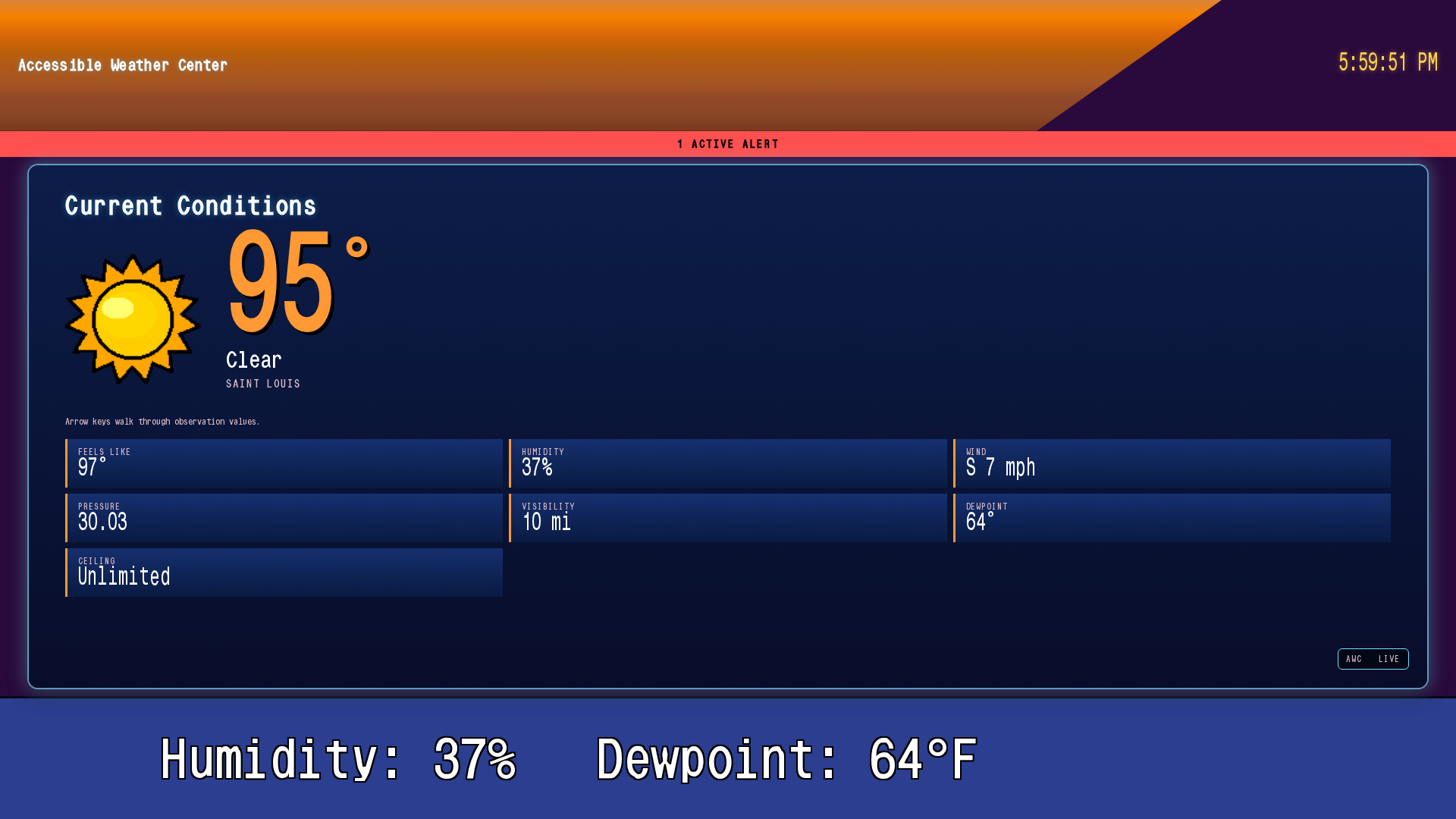
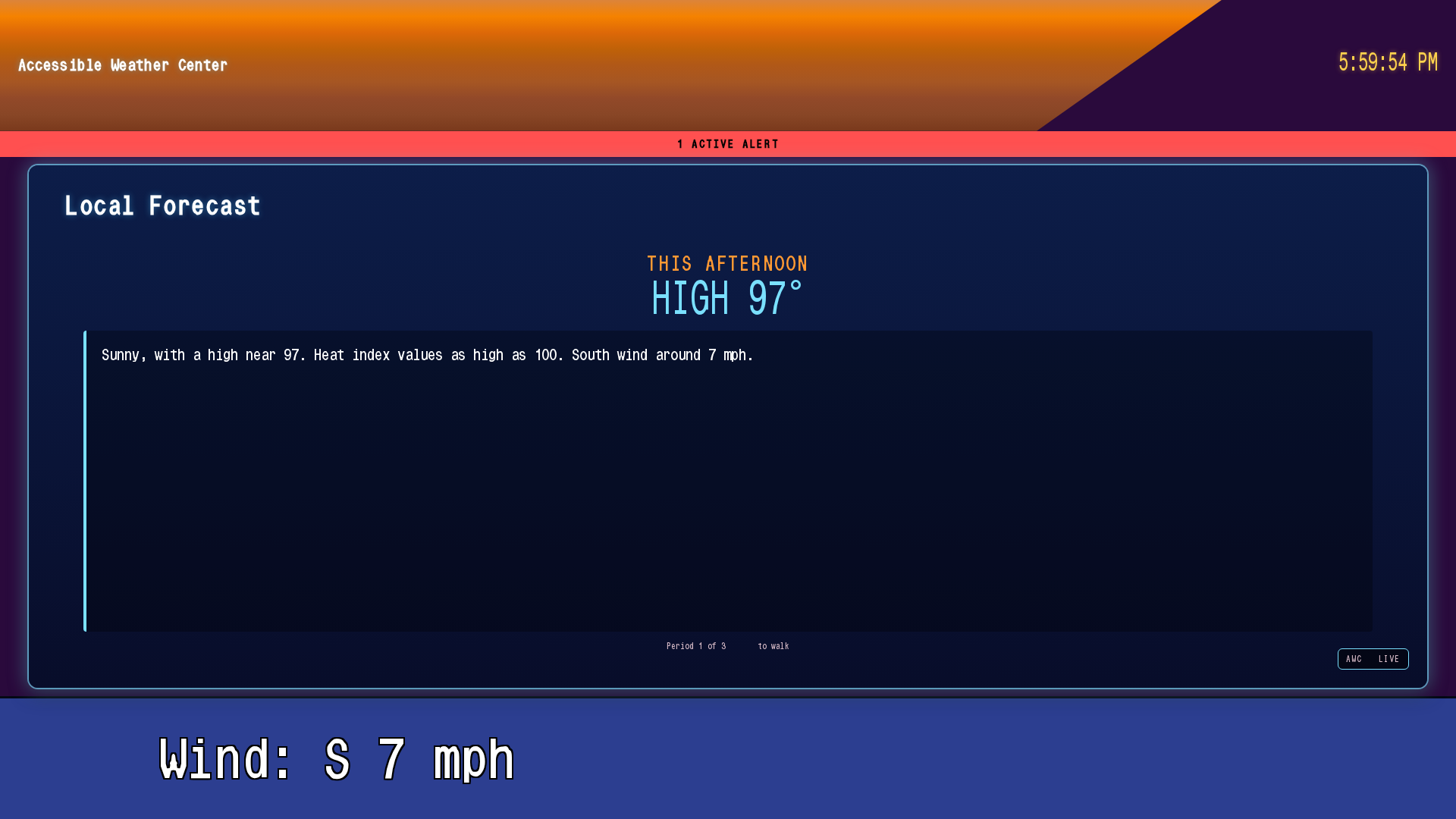
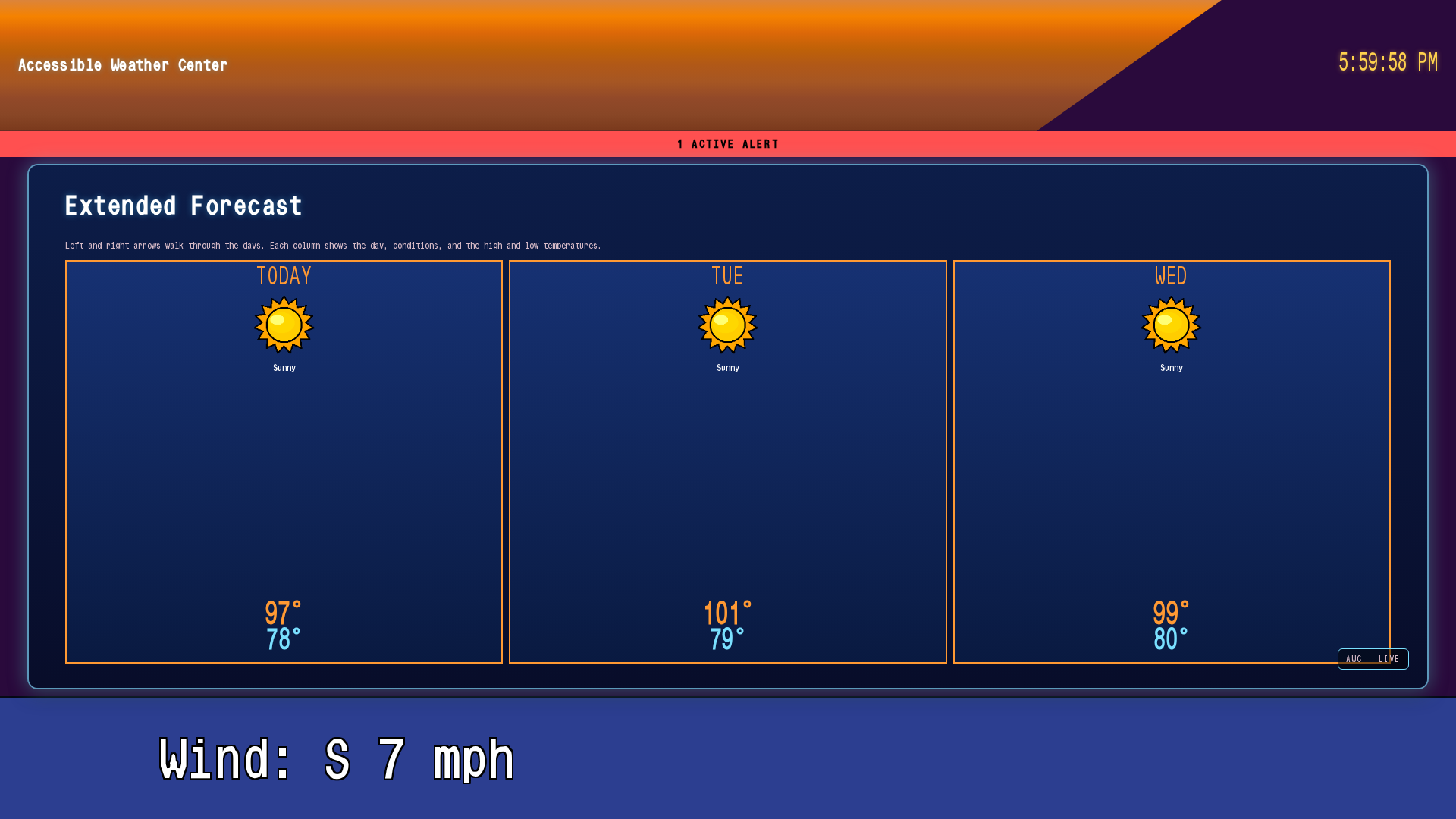
Accessible Weather Center
A speech- and keyboard-driven weather application with a Weatherscan-style cycling display. Every visual — including radar, normally inaccessible to screen readers — is mirrored by a semantic narration, so blind and low-vision users get life-safety weather information at the same fidelity as sighted viewers, as data and not pixels.
- Ten era-authentic TWC hardware themes (WeatherStar 3000, 4000 v1/v2, Jr, XL, Weatherscan Local/V1/V2, IntelliStar 1/2 HD).
- Accessible map navigation with four lenses over the same spatial data: Places, Alerts, Storms, and Grid Explorer.
- Live NOAA Weather Radio streaming over weatherUSA Icecast feeds, with retry, failover, and its own audio bus.
- Three-bus audio mixer (music / voice / radio) with ducking so narration never fights background music.
- Speaks through NVDA, JAWS, Narrator, Orca or VoiceOver via ARIA live regions. It ships no built-in text-to-speech by design, so your voice, rate and braille display all apply.
- Honors
prefers-reduced-motionand offers a high-contrast overlay on top of any theme. - Runs in the browser with nothing to install, and as a desktop app on Windows, macOS and Linux.
Visit weather.codyhurst.com (opens in new tab) Launch the app (opens in new tab) Repository (opens in new tab)
-
Accessible Video Editor
A video editor where a blind person is the intended user, not the person you write an accommodation for once the layout is decided. Three ideas carry it: you cut by editing the transcript, you move around the timeline by ear, and you frame the camera by listening to a tone that goes quiet when you’re centred.
- Frame a shot before recording it. A tone pans to where your face is and rises in pitch as it moves up the frame. Silence is the target.
- Continuous level monitoring whose pitch follows your voice, speaking only when you cross into yellow, red, or clipping.
- One key measures a stretch of footage and says it in plain words — under-exposed, blown highlights, warm cast, noisy floor.
- Cut by editing the transcript: delete a line and that footage is gone; move a line and the video reorders with it.
- Titles by keypress rather than by hand-editing preset code, and export presets that say what they will crop before they do it.
Linux only, and deliberately not 1.0. Around 30,000 lines with ~800 automated checks behind them, but I haven’t yet taken a video from camera to publish inside it — which is the only test that finds what nobody thought to check. A Windows version is planned.
Repository on GitHub (opens in new tab) Read how it came together (opens in new tab)
-
OpenFPS
An audio-first, fully customizable multiplayer game framework for blind and visually impaired players. There are no graphics — gameplay is carried entirely by a binaural soundscape and spatial awareness, so blind players aren’t adapting to a sighted game, they’re playing a game built for them from the ground up.
- HRTF binaural rendering via FMOD Studio with Google Resonance Audio, plus dynamic atmospheric absorption and diffraction so geometry and materials actually sound different.
- Direct NVDA speech bridge through Tolk, with SAPI fallback for users without a screen reader installed.
- Authoritative server with client-side prediction and server reconciliation over reliable UDP — no movement jitter, deterministic physics parity between client and server.
- Zero-allocation hot paths (
ArrayPool<T>,ReadOnlySpan<T>) and a uniform-grid spatial partition for O(1) collision and acoustic queries. - Lock-free, high-priority audio thread for glitch-free binaural rendering independent of game-loop timing.
- Behavior-tree NPC AI and a data-oriented ECS designed so creators can build maps, items, and NPCs end-to-end.
Sound & Music
Sound is the other half of the work. It is what my applications use to describe things a screen can’t say, and it is also just what I do — drums since I was five, and a studio built around getting a take down without needing anyone to look at it for me.
-
Hurst Sound Studios
My music and audio portfolio, formerly Hurst Audio Productions. Original recordings, notes on the room and the gear, and the reasons a blind engineer sets a studio up the way I do.
- Original tracks: “Winter,” “Blind Visionary,” and “The Man You Used to Be.”
- The Weatherscan music archive — a four-disc in-house library alongside Trammell Starks’ Music for Local Forecast.
- My late mother’s 1982 single, restored and documented.
- Every YouTube embed is click-to-load: nothing is requested from Google until you press play.
Visit audio.codyhurst.com (opens in new tab) The Weatherscan archive (opens in new tab)
The Network
The things you join rather than download. All of it runs on my own server, and all of it is here because the accessible version didn’t otherwise exist or didn’t stay up.
-
Blog (opens in new tab)
Long-form write-ups when a project reaches something worth explaining — what broke, what it cost, and what I’d do differently.
-
Forum (opens in new tab)
Accessibility shop-talk, project coordination, and the in-depth discussion that doesn’t fit in a blog comment.
-
TeamTalk server
A voice server for the community, open on
codyhurst.com. Bring a TeamTalk 5 client and say hello. -
NVDA Remote relay
A self-hosted relay so NVDA users can connect to each other’s machines without depending on someone else’s server staying online. Point your client at
codyhurst.comon port6837.
Support This Work
If my work is useful to you and you’d like to support it, the simplest way is Cash App:
$churst90 on Cash App (opens in new tab)
Crypto is welcome too, at any of the addresses below. Copy carefully — double-check before sending.
- Ethereum / Arbitrum / Base
0x23b99484A369F718F371c8BFCa5F3FFc53B14F47- BNB Smart Chain
0x23b99484A369F718F371c8BFCa5F3FFc53B14F47- Bitcoin
bc1qp20rjw6vlddmt808v0h8gdrdcmx8n83pmzlaww- Kaspa
kaspa:qypxfclrz0eyw4rn736mwr3ndyfk6c474py9l9mf6n9x9qhpchy6w3cr340mgzy- XRP
rLAaVmjsofxnFJ6o6ZYF3hn6FddKtJnu8q- Solana
HG5BvLsfAgyHGxJe8cfKBzf4qArAmb7LEc5TDe45zwEe- Bittensor (via Tangem)
5GhBmEmMzD92j1rAPMjLbdTmCHQPBZNvyVS2q4RLraEk14jt